


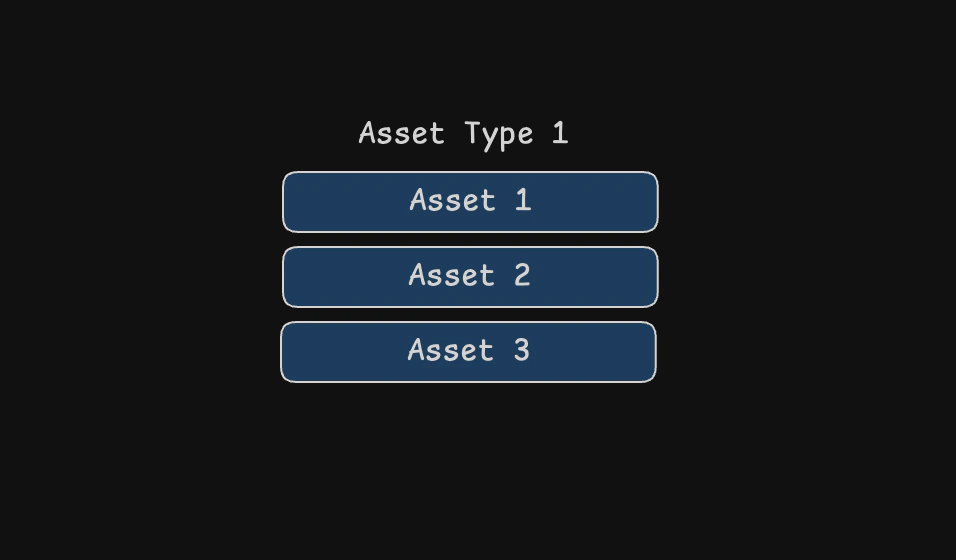
Create an asset type
- Go to the Asset Types page
- Press Create in the top-right
- Enter
Test Asset Typein the name field (leave the other fields blank) - Press Create
Create a unique asset
- On the asset type page, click + Add asset
- Enter a name:
Test Asset Type 001(leave the other fields blank again) - Press + Create
Managing assets
- Click on any asset type or unique asset in the register to view its details
- Use the toggle at the top of the page to switch between viewing asset types and unique assets
- Click the Notes button to add notes about an asset
- View the History section to see all changes made to the asset