

Overview
Idalia includes first-class support to store and manage relationships between asset components. This lets asset managers build libraries of assemblies and subassemblies into their asset registers. Assemblies can be used directly in Idalia’s workflows. For example, assemblies can be allocated to projects and transport orders.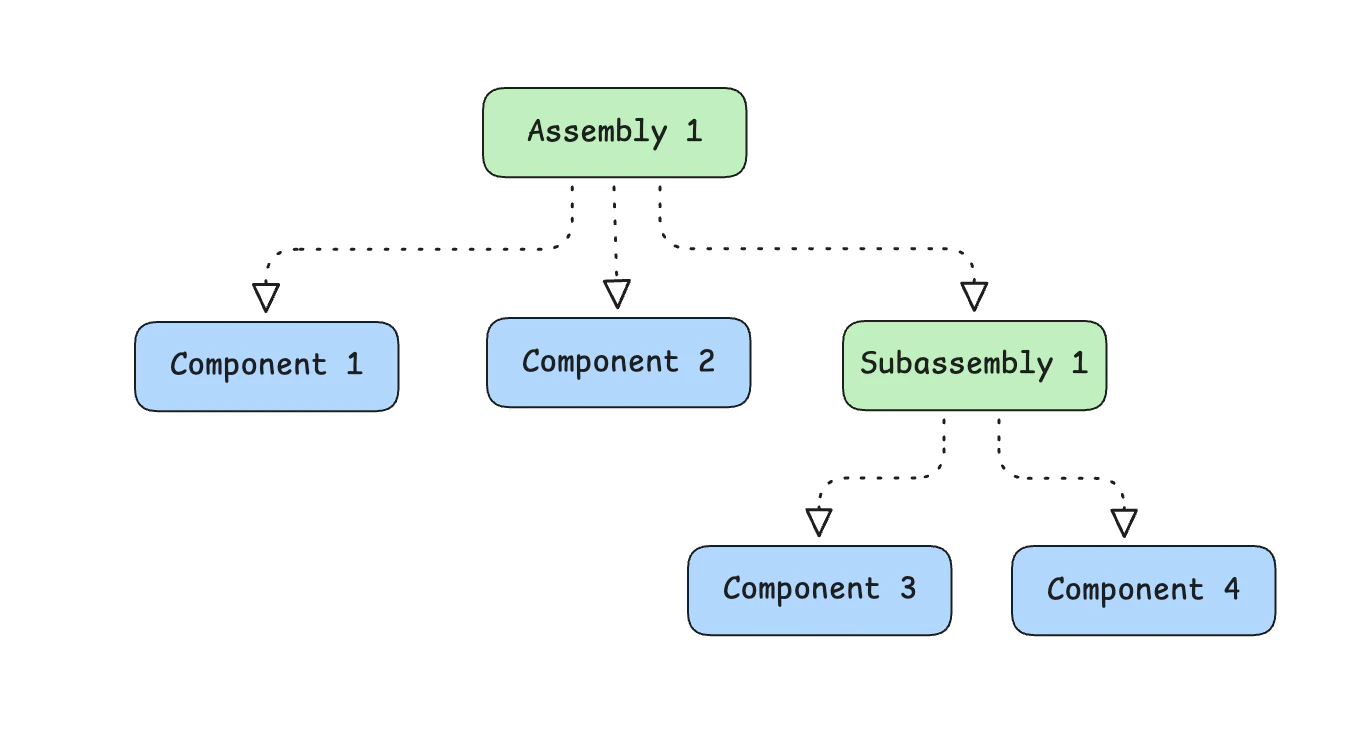
Definitions
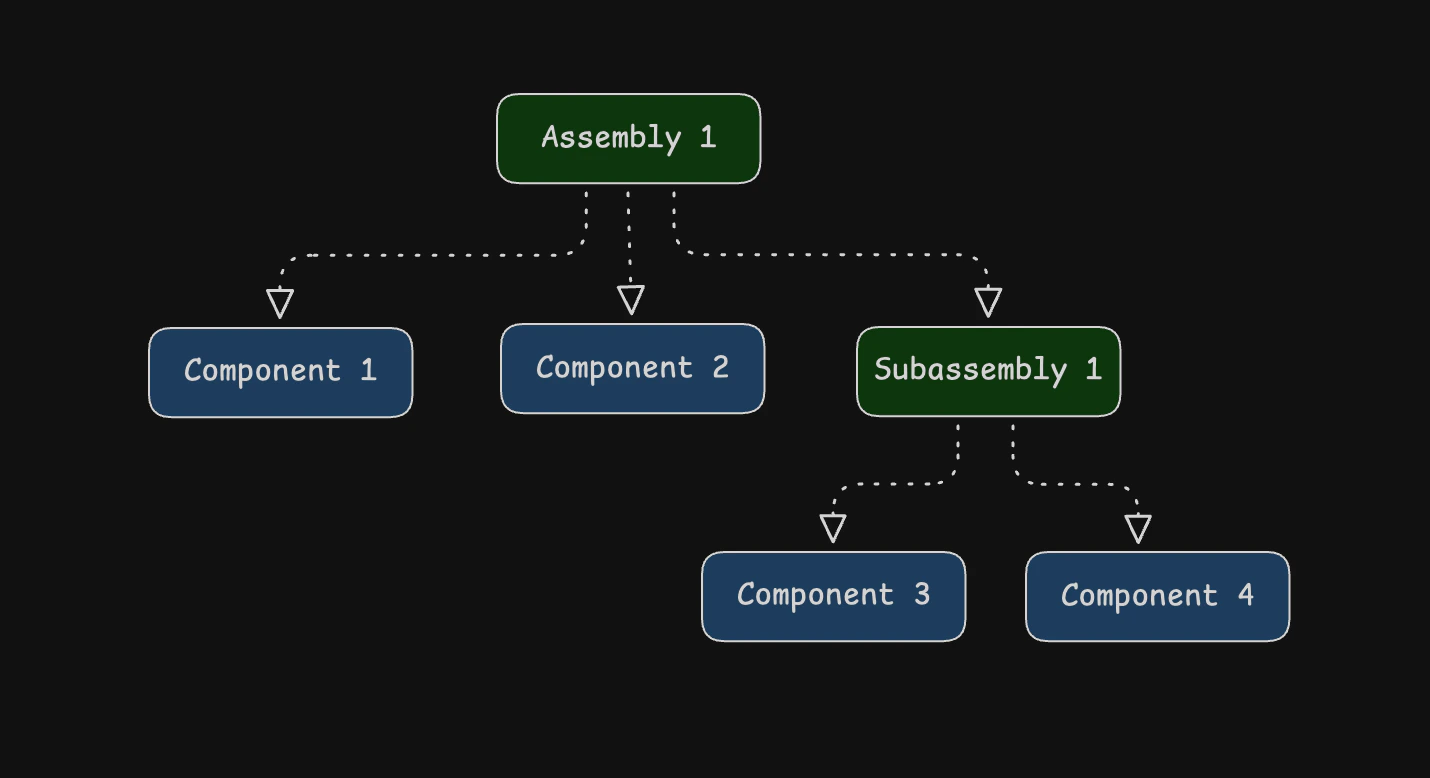
In Idalia, an assembly is any asset type that is composed of one or more “child” asset types. A component is just an asset type that does not have child components. These are like base-level “units” of your register that you can’t or don’t want to break down further. Assemblies can have other assemblies as children. We call these child assemblies “subassemblies”.Why use assemblies?
Assemblies are a powerful tool to manage the asset register at scale. Different teams are interested in different levels of detail.How to create an assembly
- Before creating an assembly, ensure you have created some base-level component asset types. Follow the assets quickstart to create some.
- Next, open the form to create an asset type and enter a name for the assembly.
Test Assemblywill do for now. - In the first field, select Assembly from the dropdown menu.
- Underneath, a new
Subcomponentsform section is revealed. - Press + Add or start typing in a subcomponent row to search available asset types (both components and subassemblies).
- Select the asset type you want to add to the assembly and enter its quantity.
- Repeat steps 4 and 5 for each subcomponent you want to add to the assembly.
- Press Create to create the assembly.
Visualizing assemblies
Each asset type that is part of an assembly—either as a child component or subassembly or as the top-level assembly itself—can be visualized in the asset register. Each asset type page has aRelationships section that shows these graph. Each node represents an asset type, and the edges represent the relationships between them. Parents are above children. Each edge has a label displaying the quantity of the particular component/subassembly in the assembly.